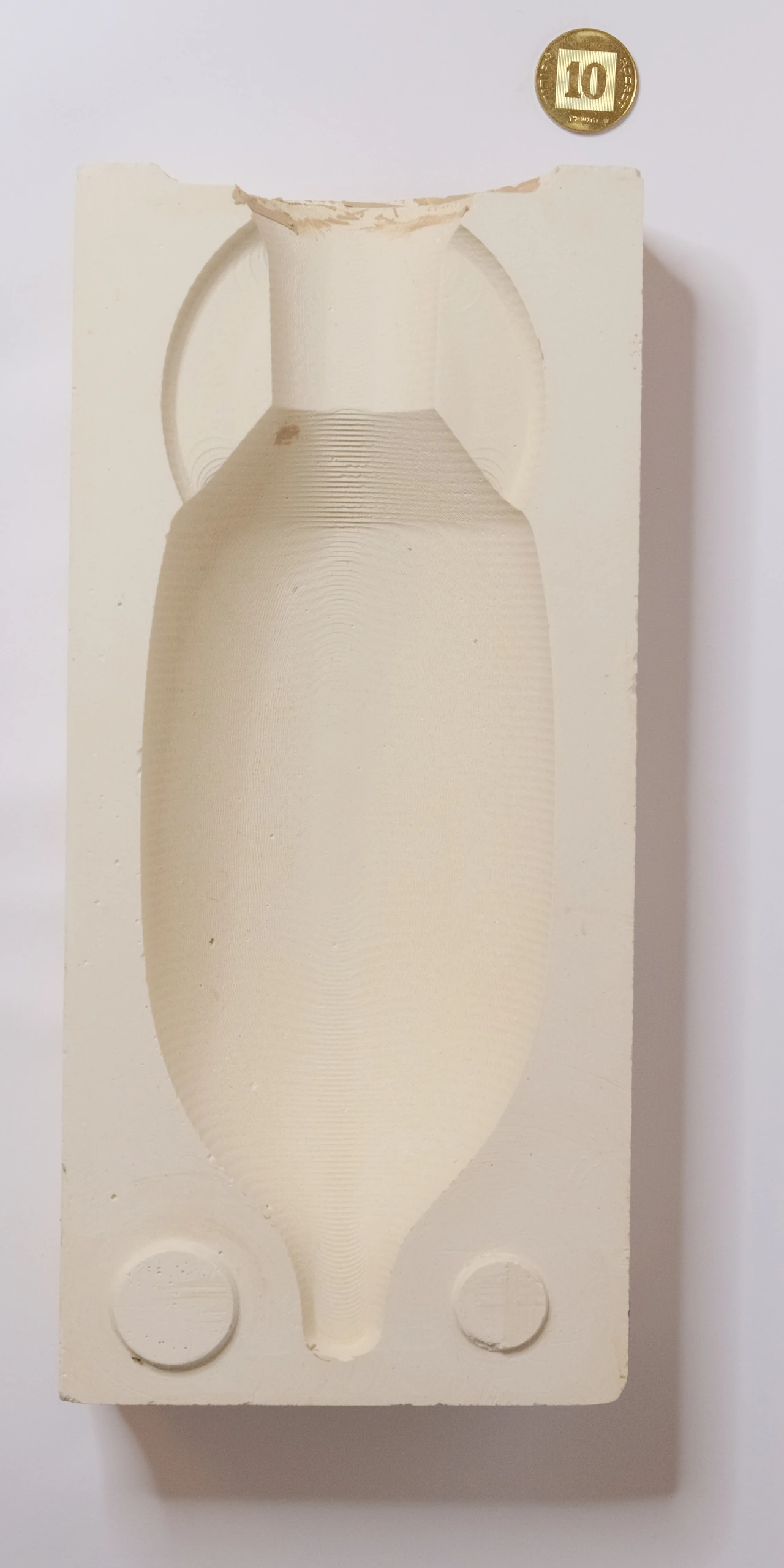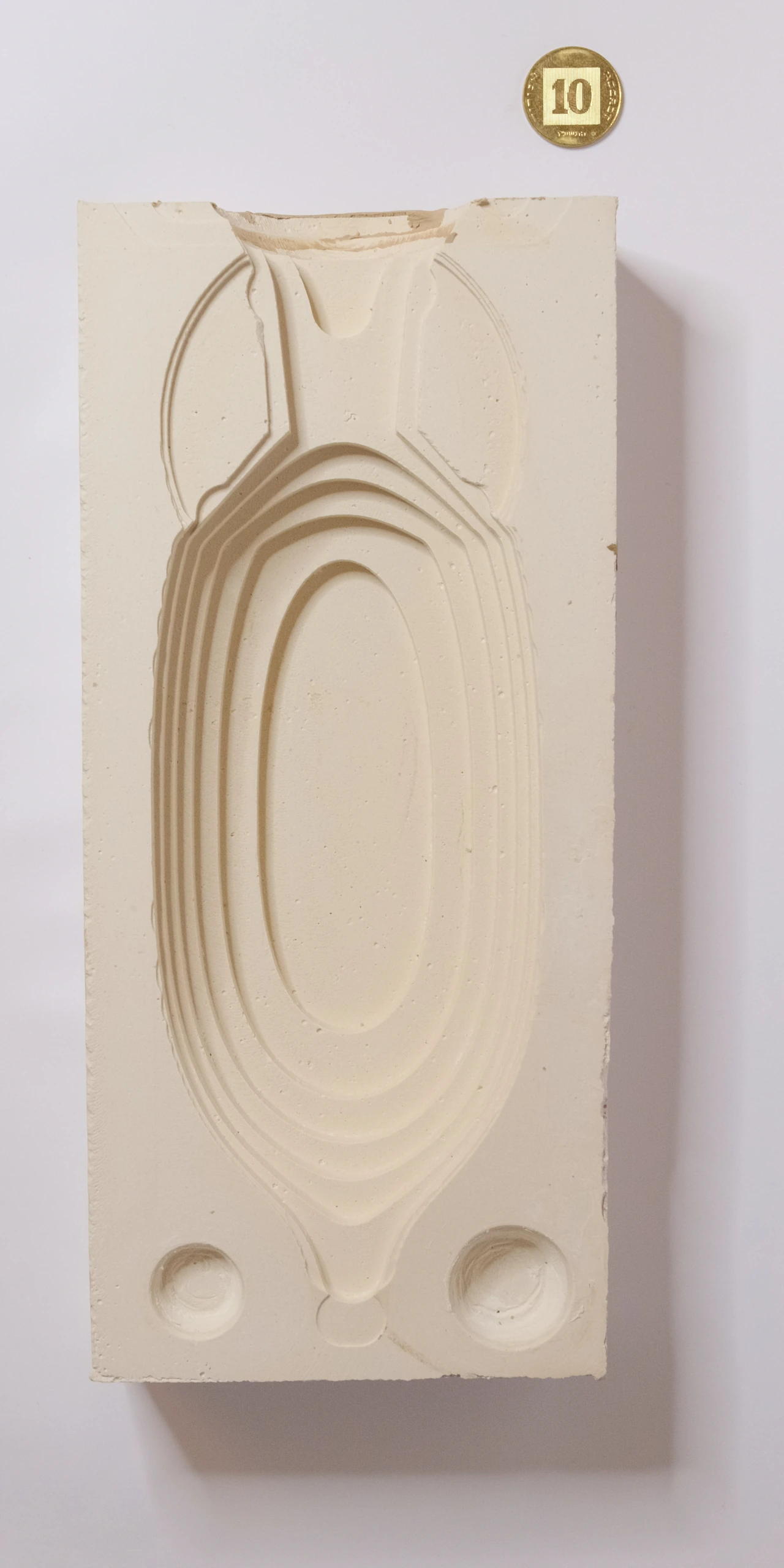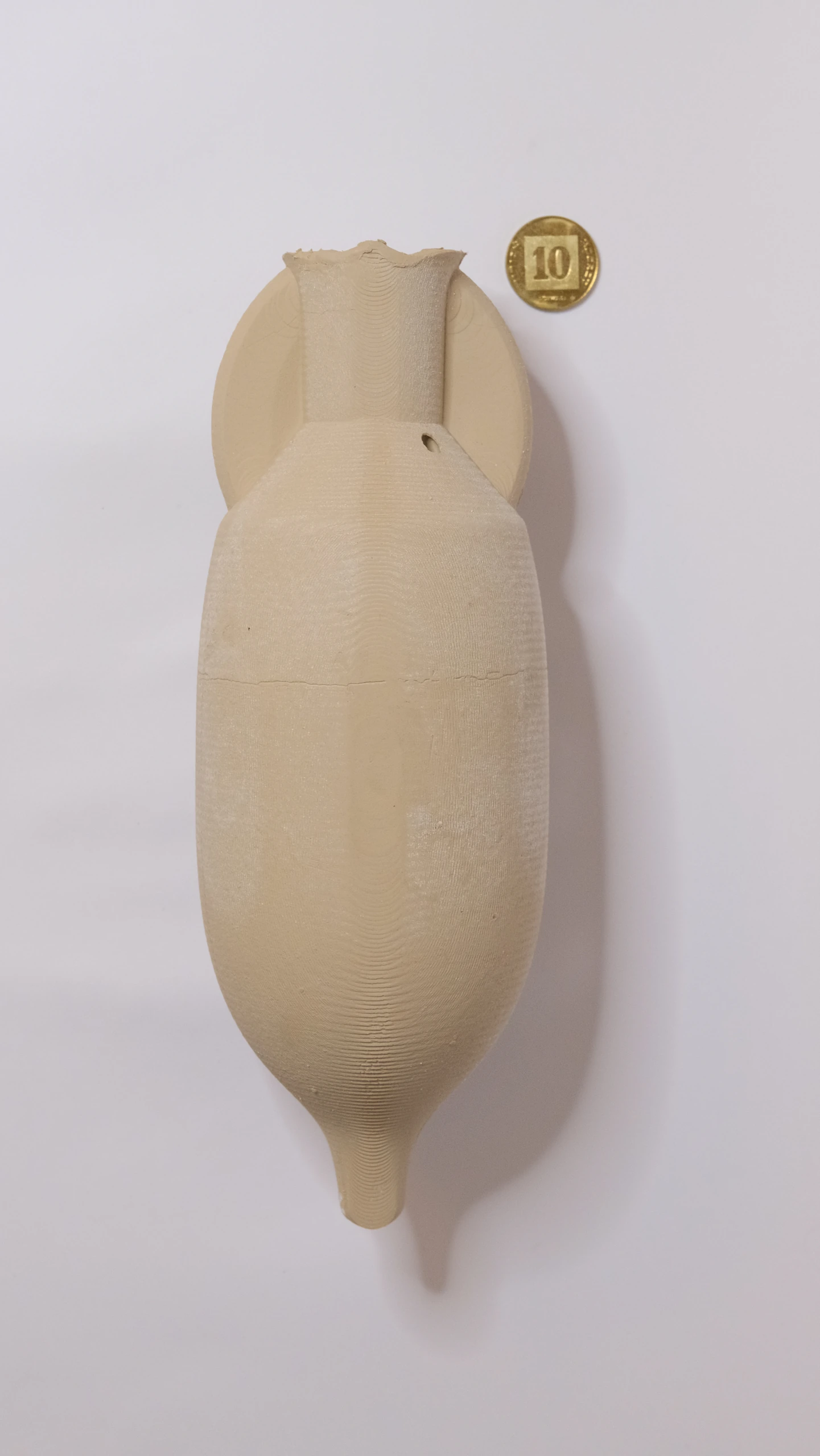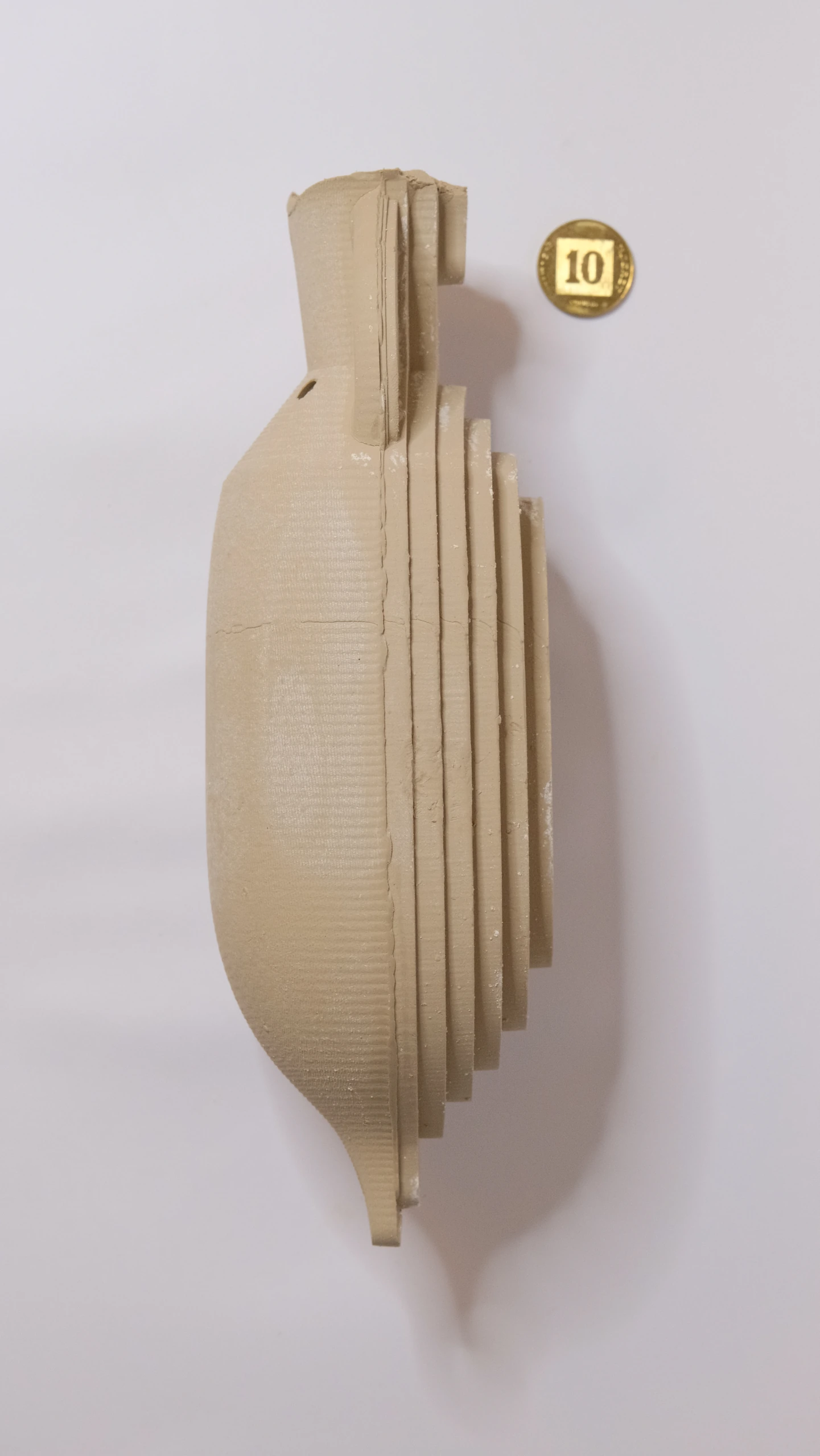
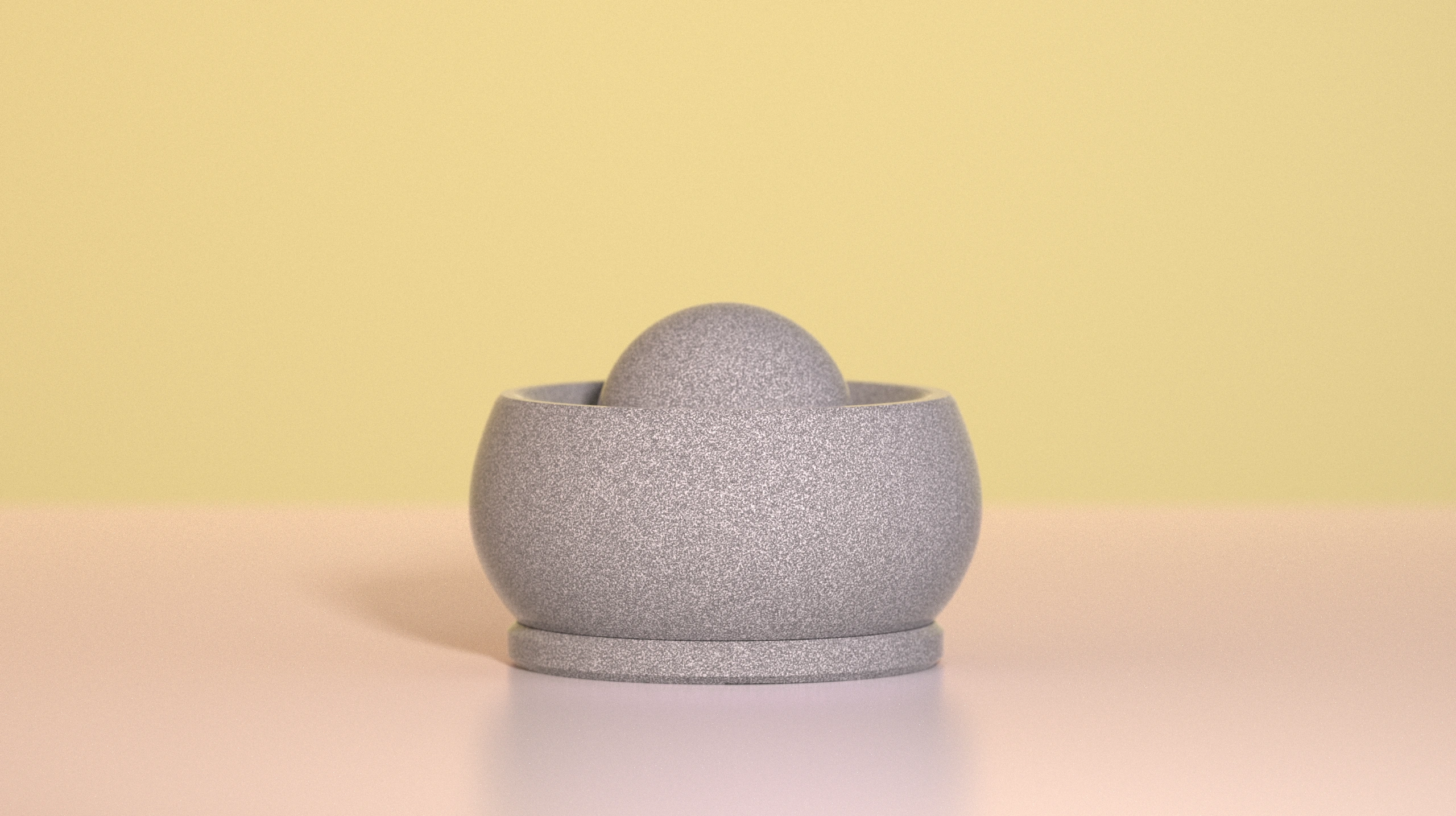
A new way to form clay
DIRECTED bridges ceramic practice and clay 3D printing for non-technical artists. The potter draws curves by hand, sees them become a layered form, and adjusts how the printer lays down clay.
I approached clay 3D printing as a fourth main mode of ceramic forming. The human-centered challenge was to make it understandable through the hands and skills potters already use.
As sole designer and developer, I took the project from field research and expert interviews to a working system at Bezalel’s degree exhibition, then continued refining its interaction and material guidance.
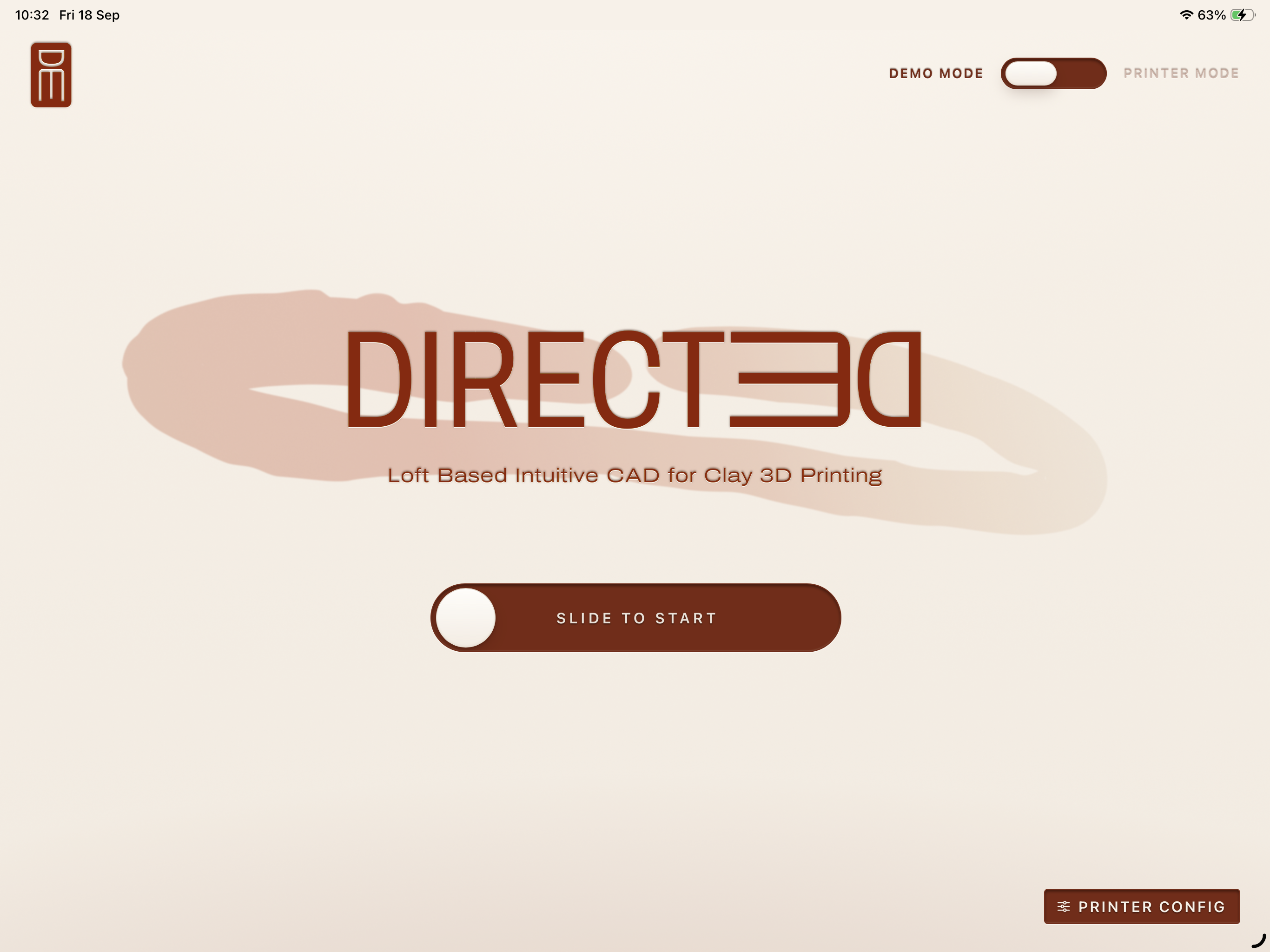
Choose demo or printer mode, then slide to start shaping.
Draw the way the printer builds
The interface is built around embodiment: the hand’s movement relates directly to the printer’s movement. A drawn curve describes a horizontal layer, just as the nozzle deposits a line of clay. The 3D preview connects that gesture to the growing form.
A touchscreen keeps the potter’s main tools, their hands, at the center of the interaction. Drawing and shaping through touch connects this process to a practice already grounded in touching and forming clay.
This silent excerpt from the project film shows the exhibition-era interface and the connection between a drawn curve and a printed layer.
Watch the full project film
The 2025 film follows clay preparation, drawing and editing curves, the layered preview, printing, and the finished piece. Watch on YouTube (opens in a new tab).
From drawing to printing, in one place
DIRECTED combines CAD and slicing in a single workflow. The curves used to design the form also define how it will be built. The potter can shape the form, adjust its layers, and send printing instructions from the same interface.
In the original setup, a Raspberry Pi hosted the application and acted as the main controller, connected directly to the Ender 3 by USB. The printer had no Wi-Fi of its own; the Pi linked it to the iPad over the local network. The browser interface can be accessed from a computer, phone, or tablet while the Pi handles the printer connection.
A loft shaped by its material
The potter defines curves at different heights; the system blends between them to build the layers in between. This loft-based approach develops each contour in relation to how the printer deposits clay and how the material supports itself.
Unlike a CAD-to-print workflow that considers manufacturing constraints after designing the form, DIRECTED brings those constraints into the act of shaping. Flow rate, print speed, and blend smoothness stay within reach.
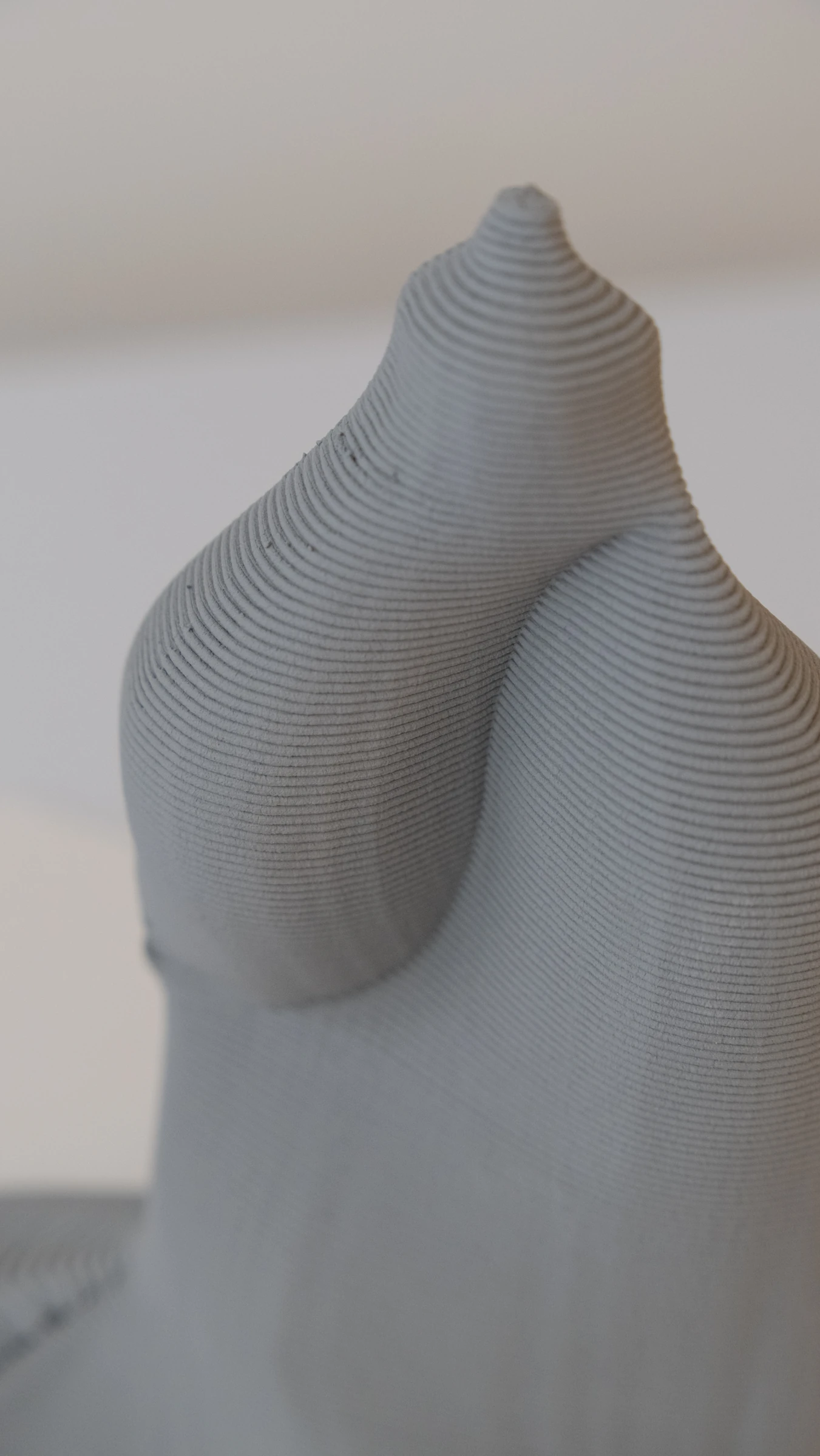
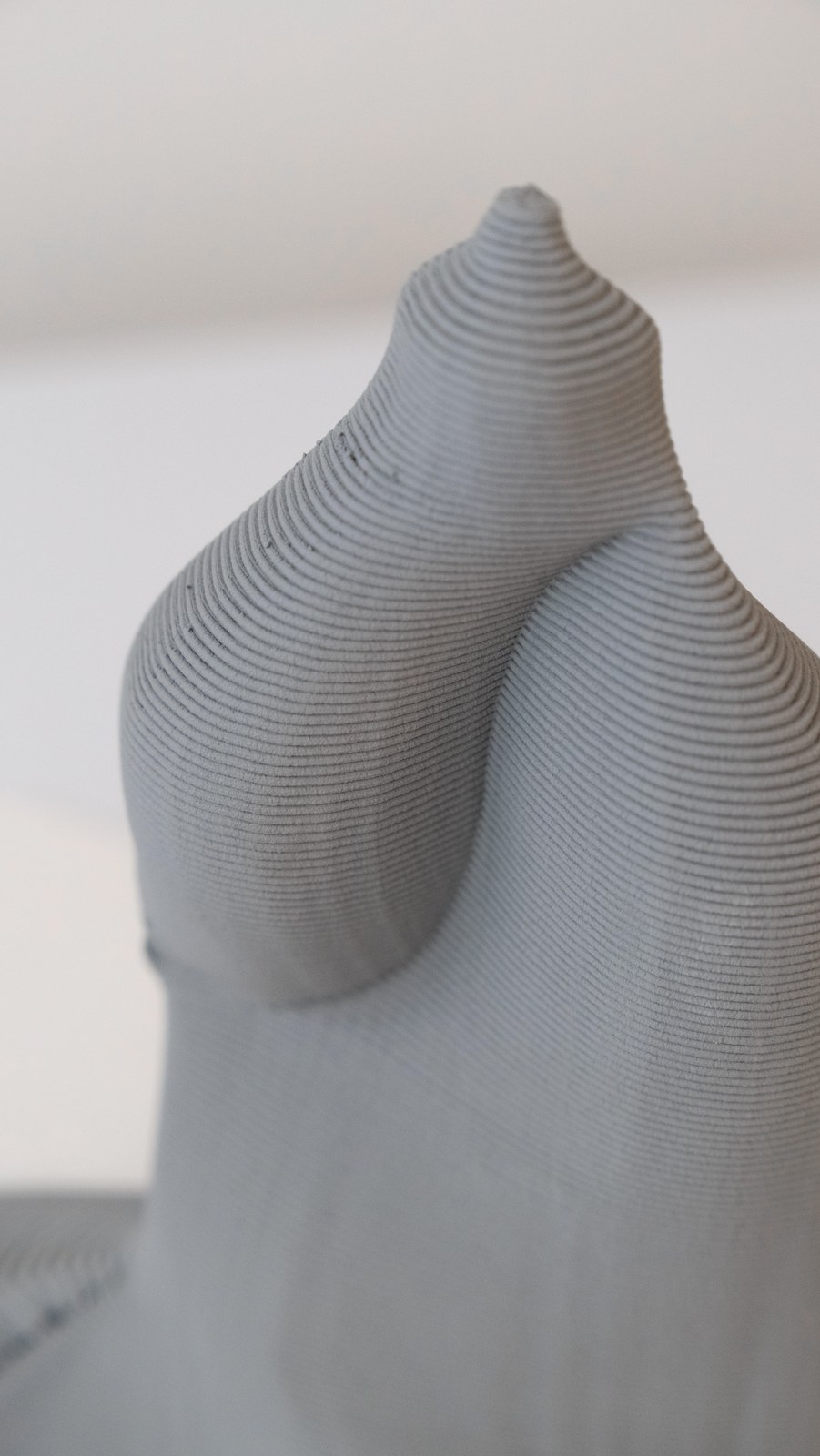
Successive layers preserve the relationship between the drawn curve and the deposited clay.
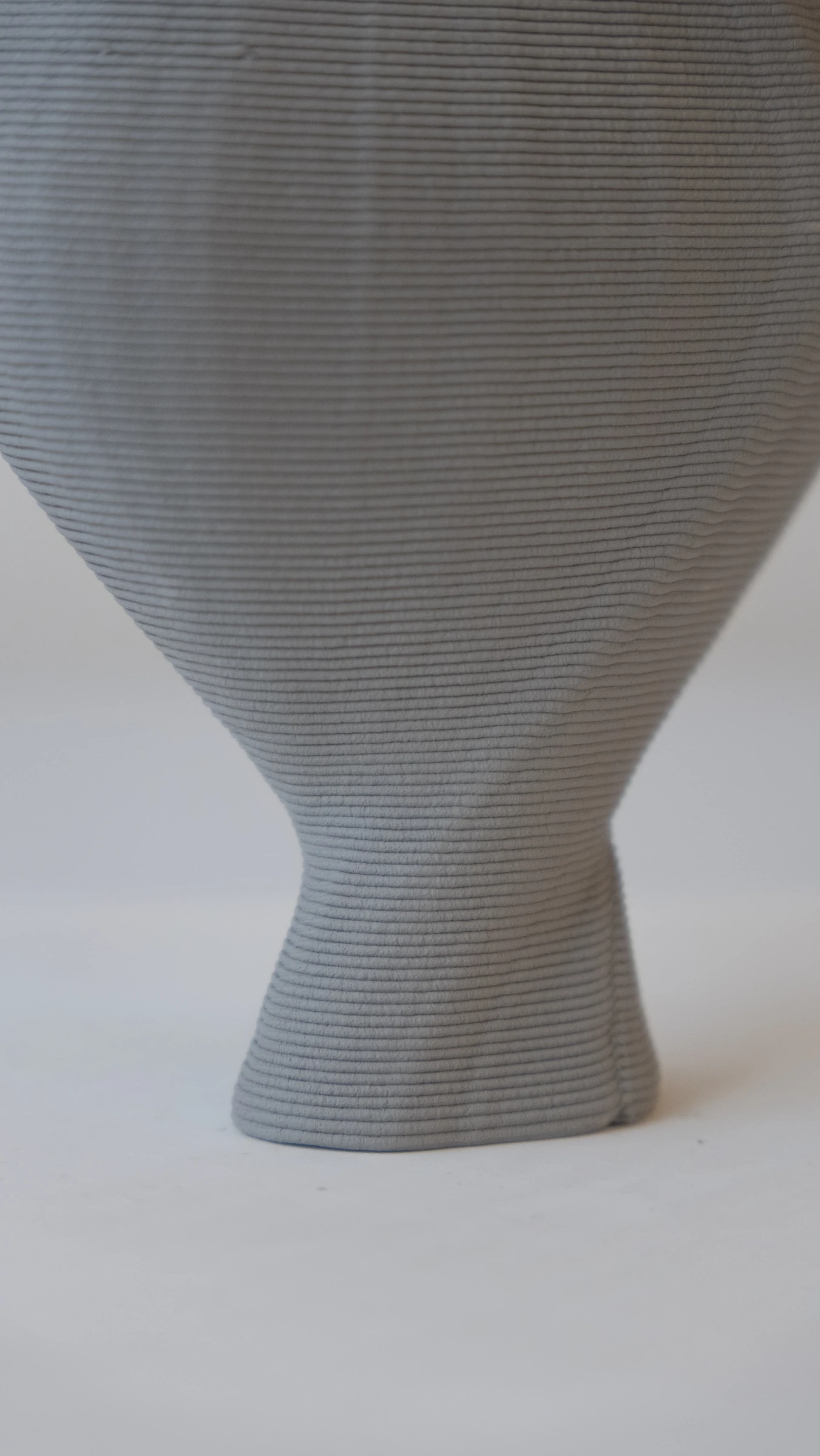
The deposited layers reveal how the shape changes with height.
Give the form more room
Drawing and the 3D form take priority. Printer status stays in a compact, expandable readout, while tools sit at the edges of the work.
Grouping controls around the activity they support leaves more room to draw, inspect the layers, and understand the form as a whole.
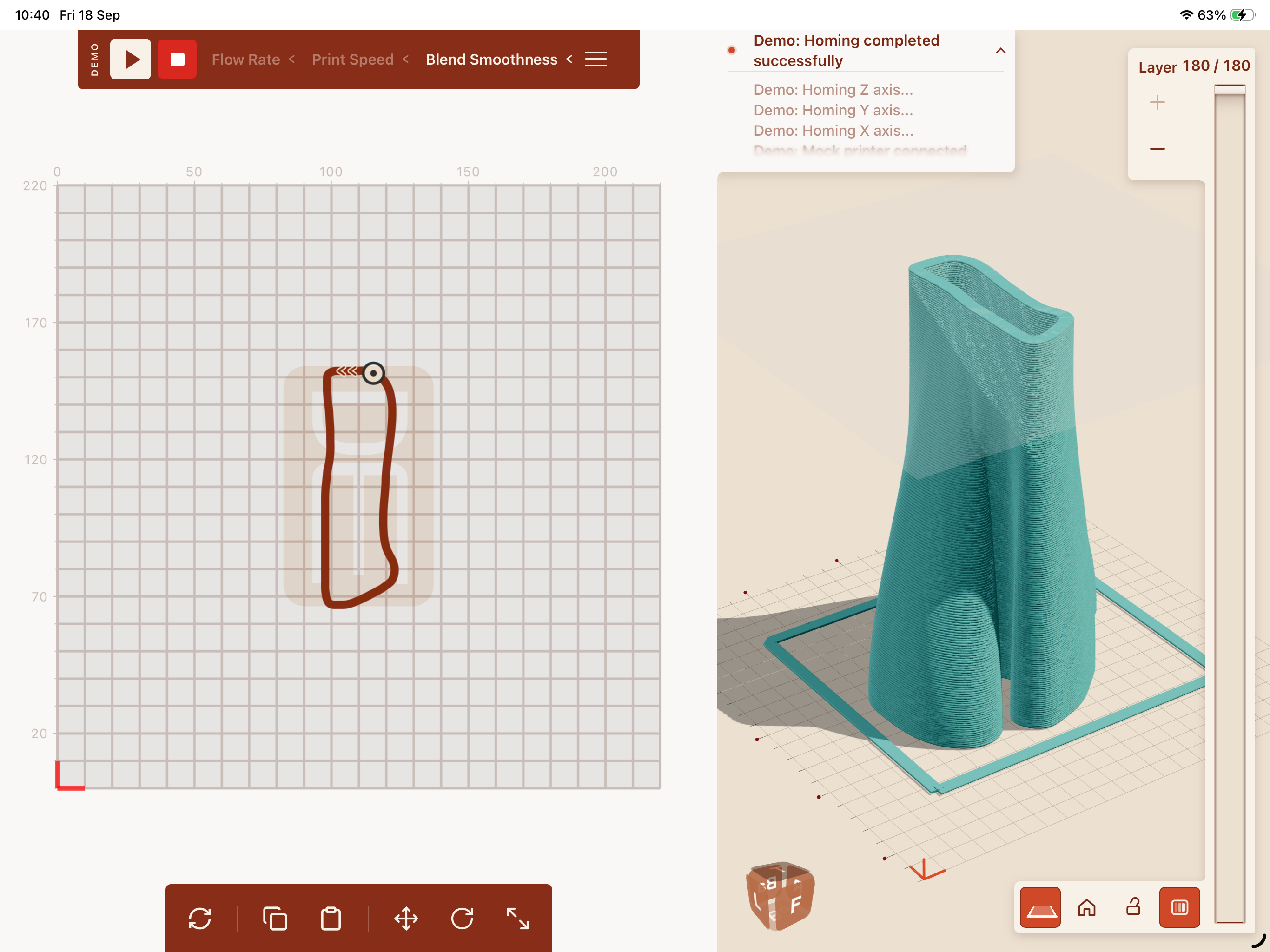
The log and controls sit at the edges, keeping the canvas and form central.
A consistent language across the interface
The drawing and 3D panels use the same rounded transitions, terracotta accents, outlined icons, and selected states. Repeating those choices connects the two workspaces, so editing a curve and inspecting its form feel like parts of one system.
One treatment, across both panels
Rounded notches and fillets recur where controls join the panels. The drawing bar and its parameter control use the same transitions as the layer selector and its connected viewing controls. I repeated that treatment to bring coherence and a refined finish to the interface.
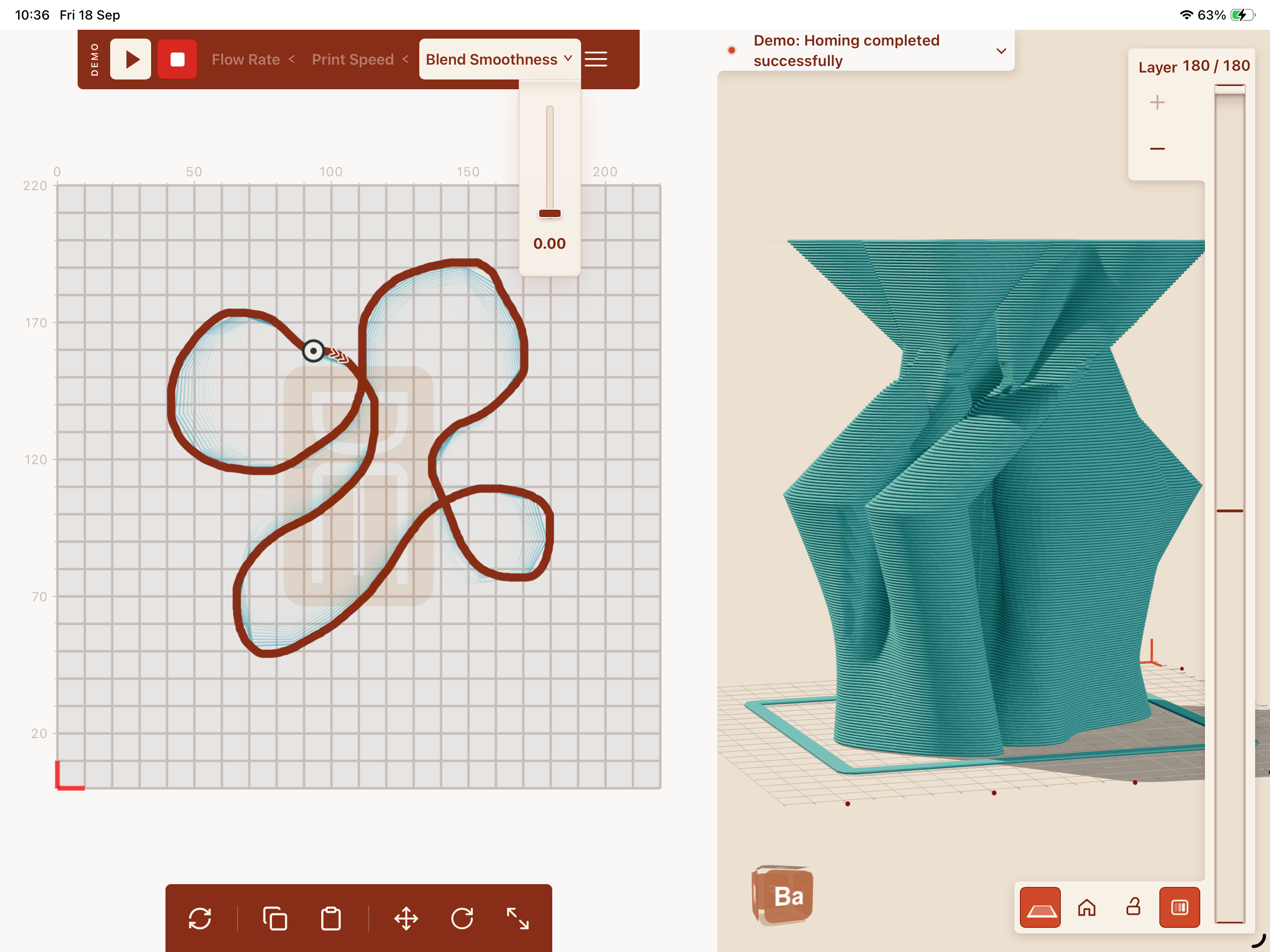
The parameter control extends from the bar through a rounded transition.
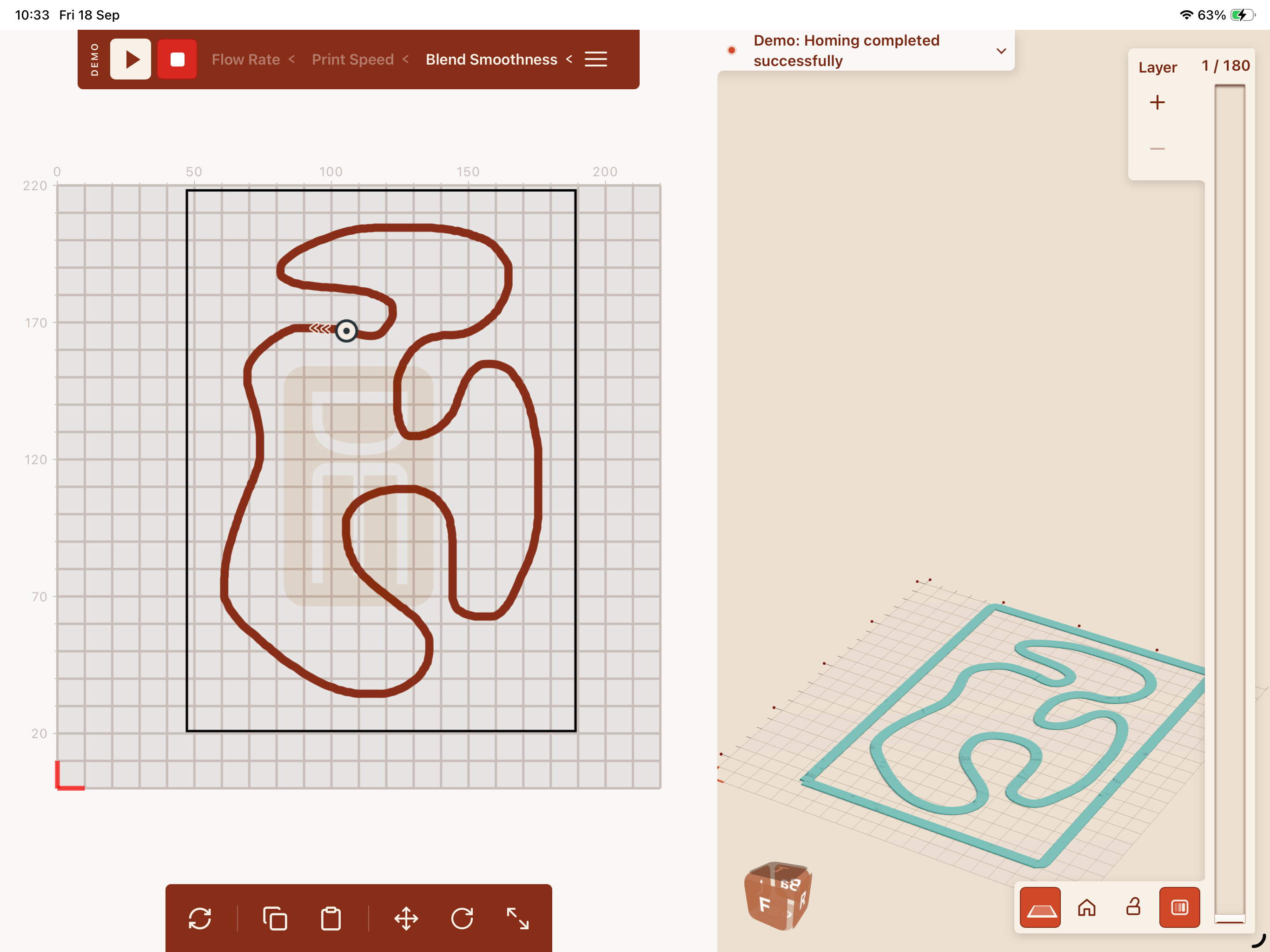
The layer tab meets the rail with the same rounded, inset treatment.
Bring related controls together
The layer selector and viewing controls meet in one continuous surface. Their shared icon style and selected-state color make them a single family. Moving up the selector follows the printer’s upward build direction.
View controls meet the vertical layer selector in a continuous surface. From left to right: Layer plane; Home 3D view; Lock view; Show Heatmap.
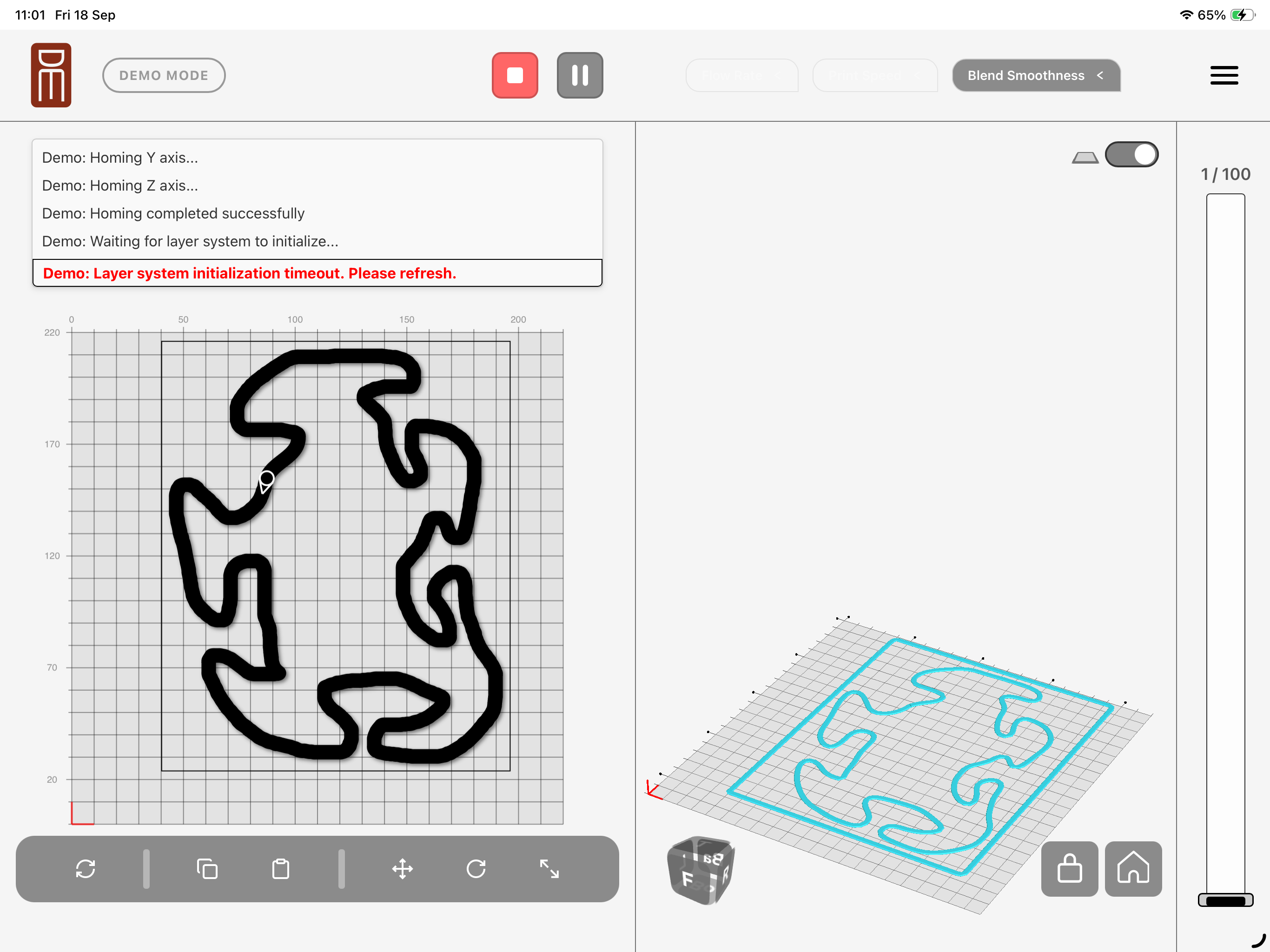
The layer bar and camera buttons occupied separate areas.
Keep orientation visible
The orientation cube gives the potter a reference while inspecting the form. Its labeled faces turn with the view, and selecting a side returns to a corresponding angle. The terracotta finish connects this control to the rest of the panel.
The cube follows the view; selecting a side returns to a corresponding angle.
Follow the printer’s direction
Chevrons show how the printer travels along the line. They stay distinct from the tools used to move or rotate the curve. During those edits, they dim instead of disappearing, preserving direction without competing with the active tool.
Chevrons follow the curve and remain visible, but dimmed, while moving or rotating it.
A single arrowhead indicated direction and disappeared during move or rotate operations.
Structural Guidance
The heatmap places structural guidance directly on the 3D form. Amber and red mark layers that may lack support or lean too far, locating potential weaknesses in the structure the potter is inspecting.
The potter can turn it off with the heatmap toggle. Guidance supports the creative decision without making it for them.
The potter decides what to make. The heatmap does not block an extreme form. A potter may want a droop, or “turtle,” or create a structure that supports a section the calculation considers risky. Geometric checks cannot fully predict wet clay; the interface leaves room for material knowledge and experimentation.
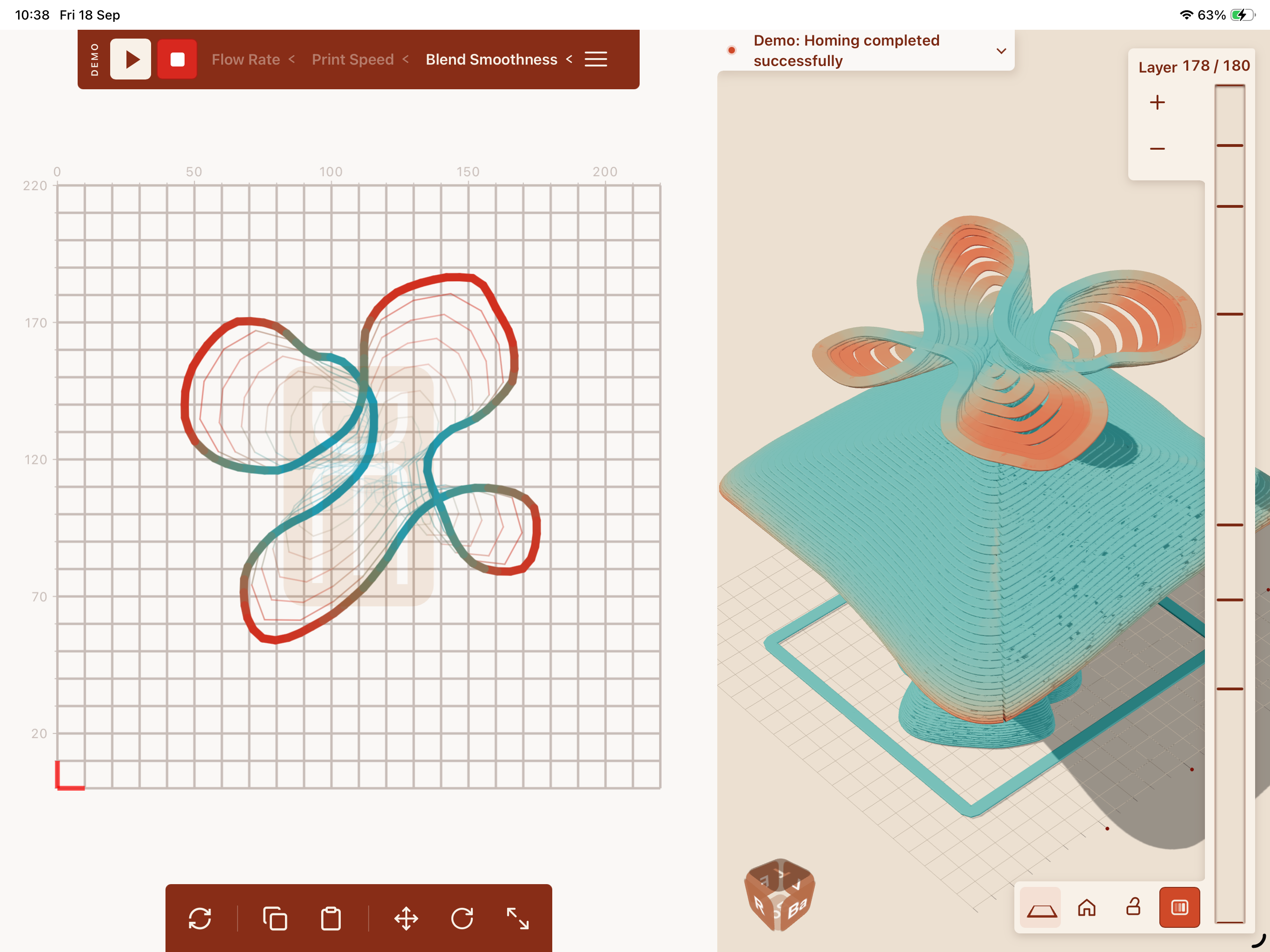
Warm colors locate potentially unsupported or leaning regions. The heatmap toggle turns this guidance on or off.
Read the print as it progresses
Completed layers turn grey while the remaining form keeps its chosen color. As the print builds upward, that boundary moves with it. The neutral color separates progress from the warm colors used for structural risk.
Follow the four steps from left to right. Swipe or use the arrow keys on narrow screens.
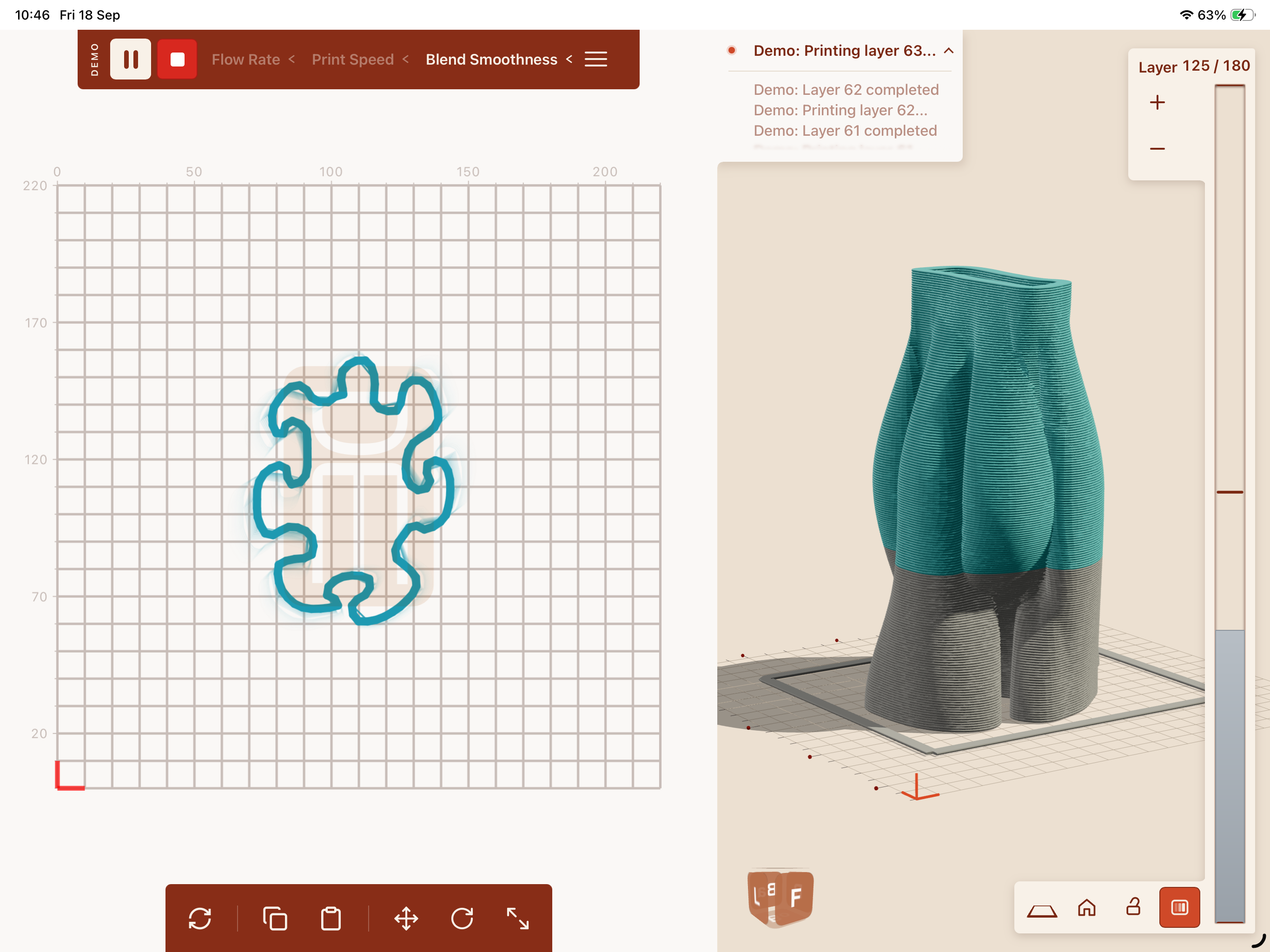
Early in the print
The completed base appears in grey; the remaining layers retain their color.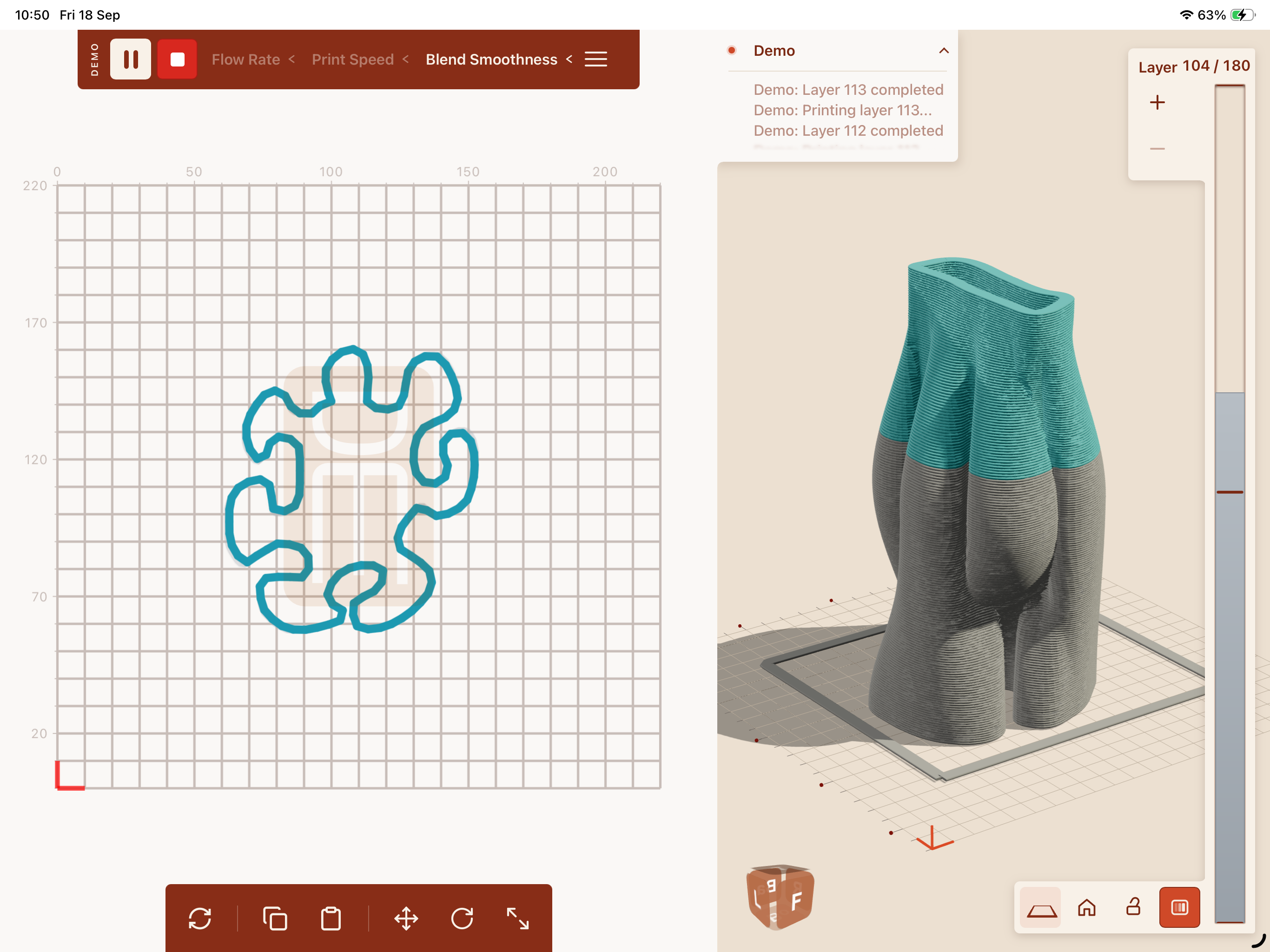
Building upward
The grey region grows as each layer is completed.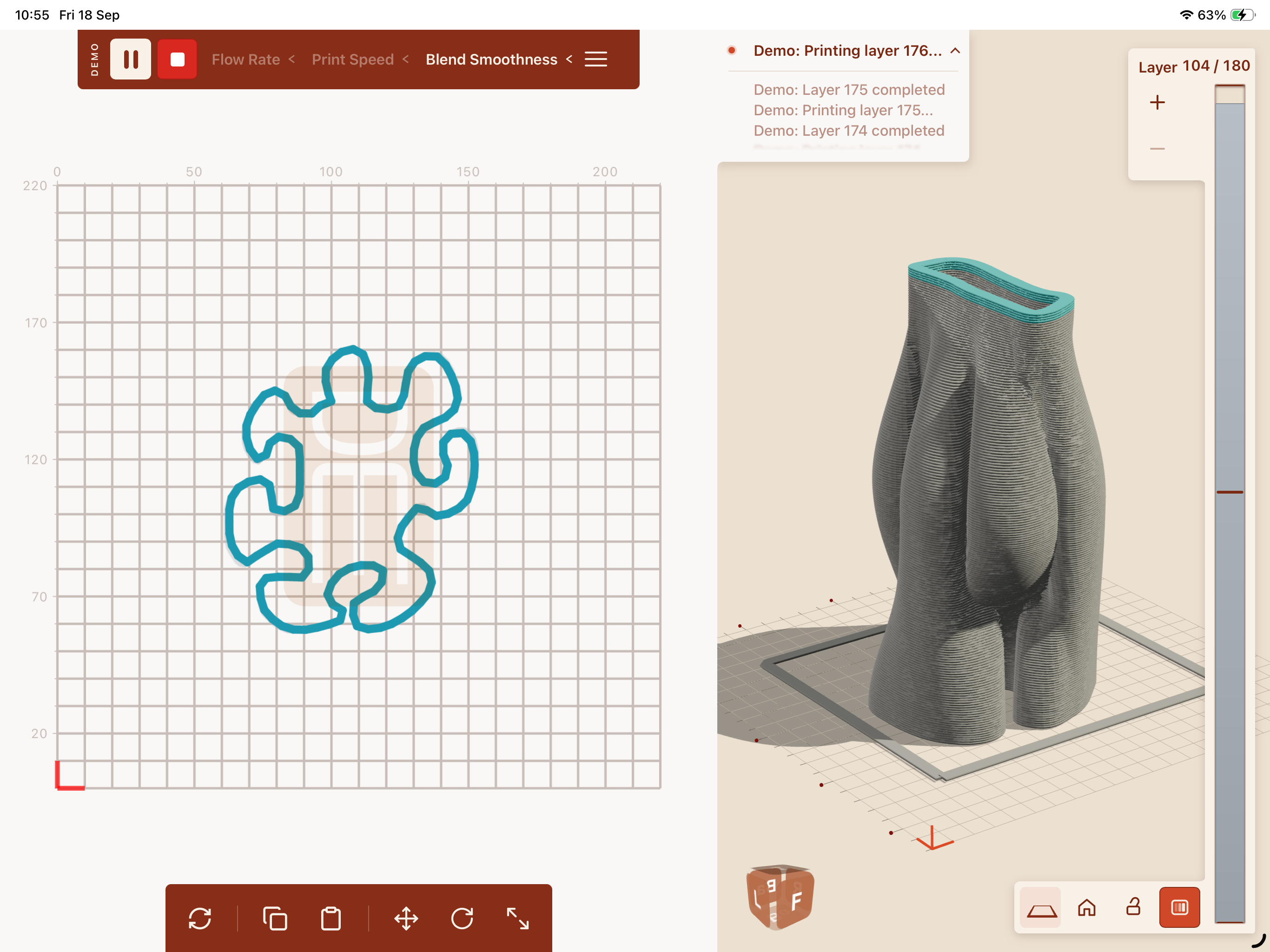
Approaching completion
Only the final layers remain in turquoise.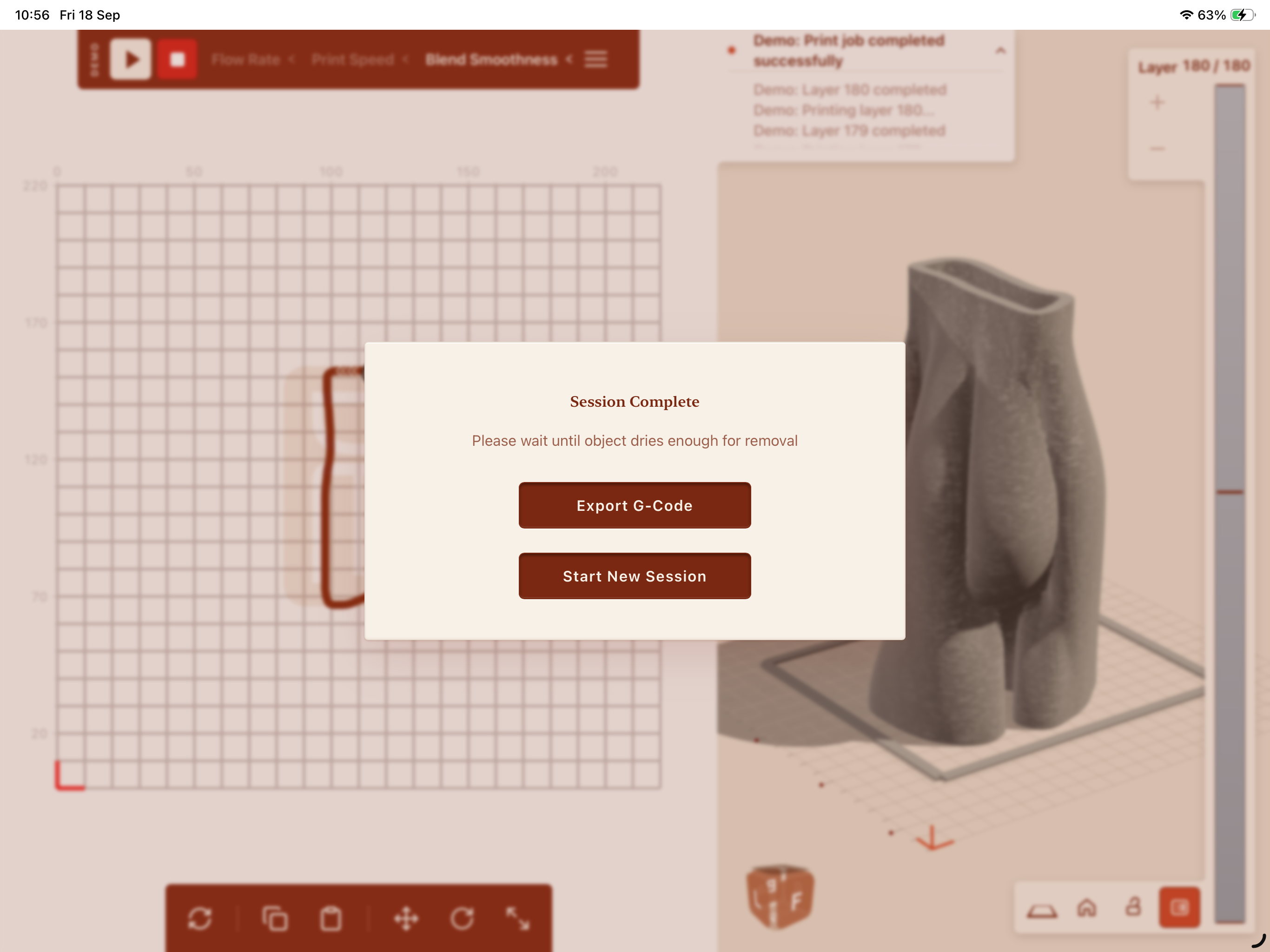
Finish the print
The completion message returns attention to the clay: let it dry enough before removal, export the instructions, or begin a new session.
Demo captures taken on iPad in September 2026. Earlier-version references use the August 2025 build; the examples show different forms and layer counts.
More possibilities in the potter’s hands
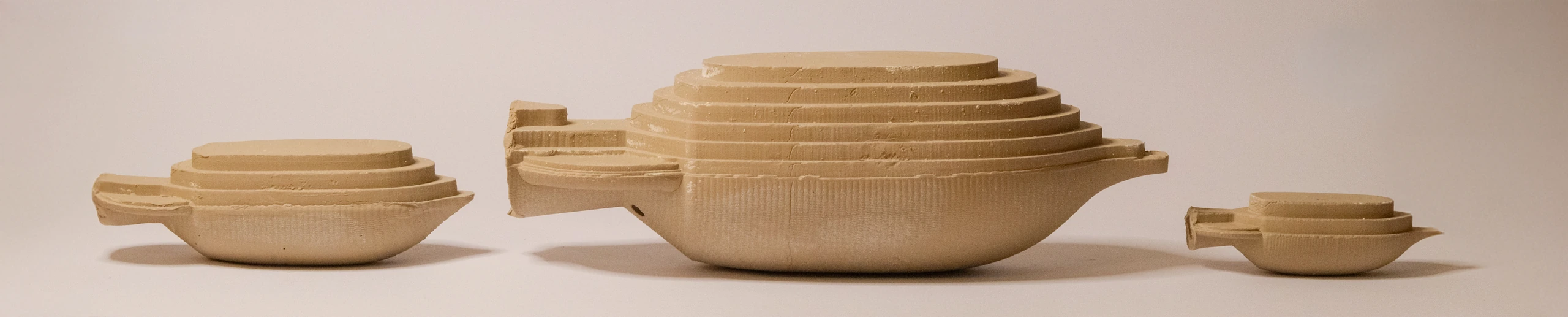
Printing opens possibilities that can be difficult to achieve by other methods: precise undercuts, internal chambers, and repeatable forms. DIRECTED lets the potter explore these possibilities while learning how the printer moves and dispenses clay.
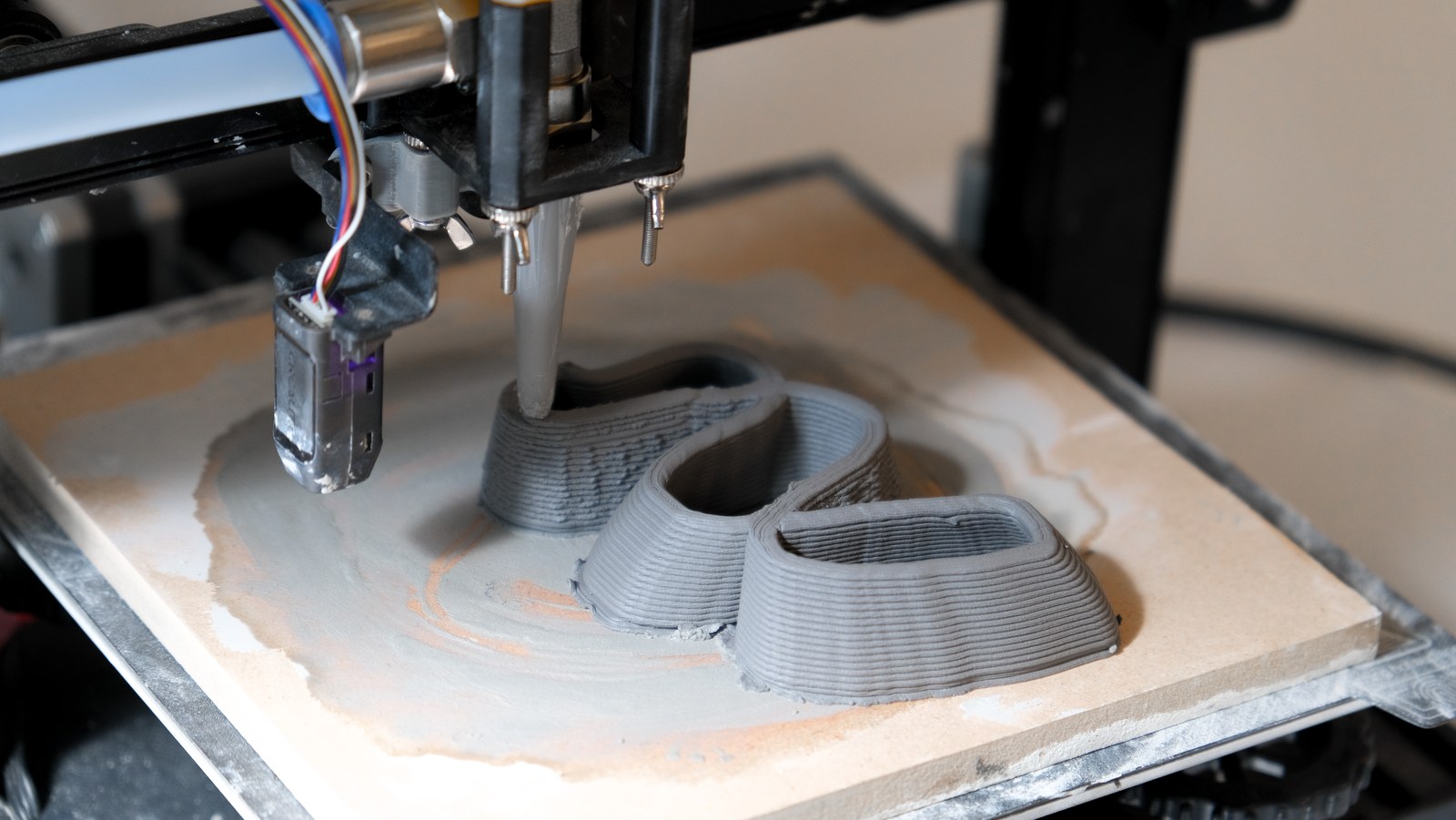
The printer follows the drawn path, depositing clay as it moves.
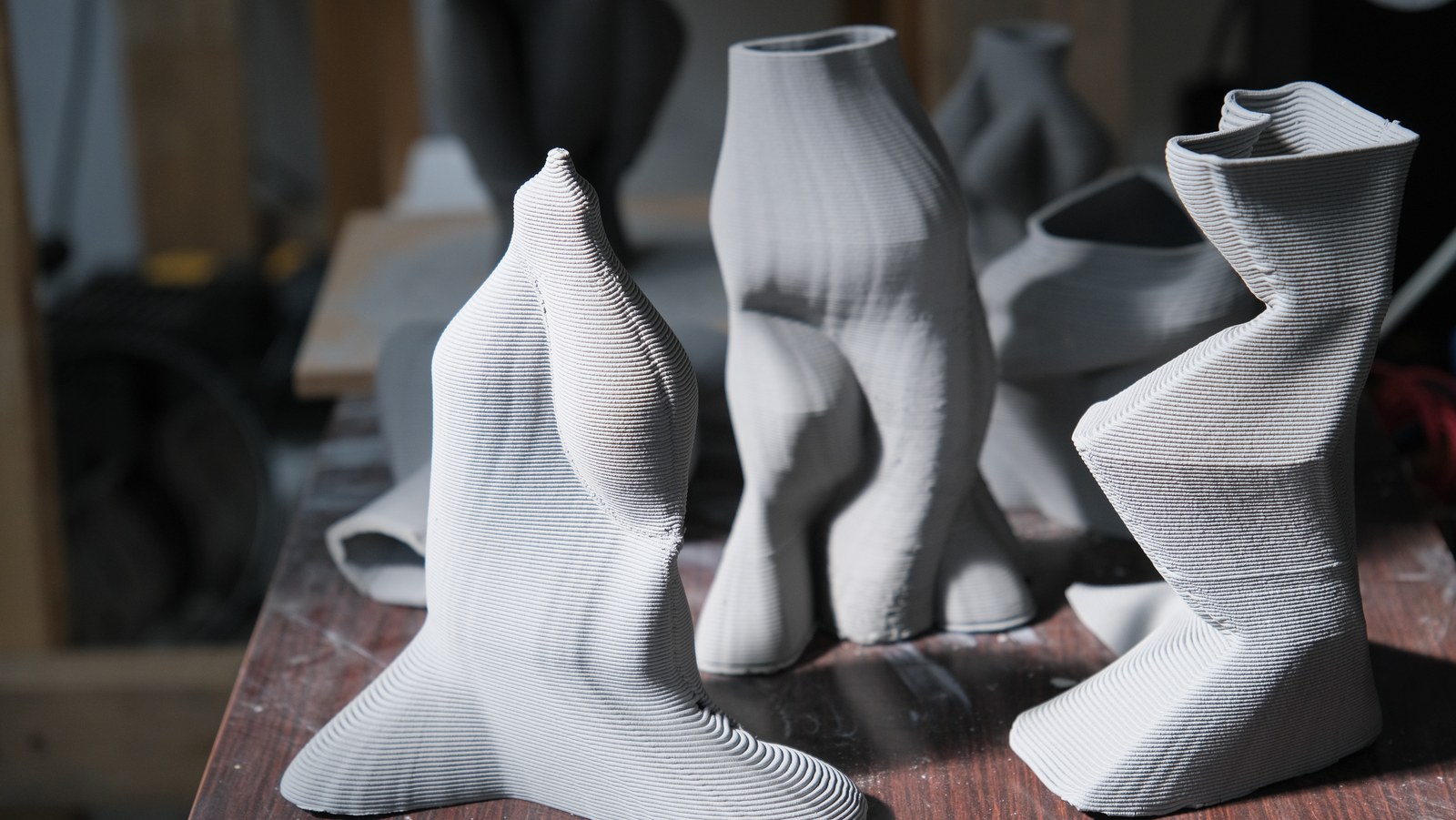
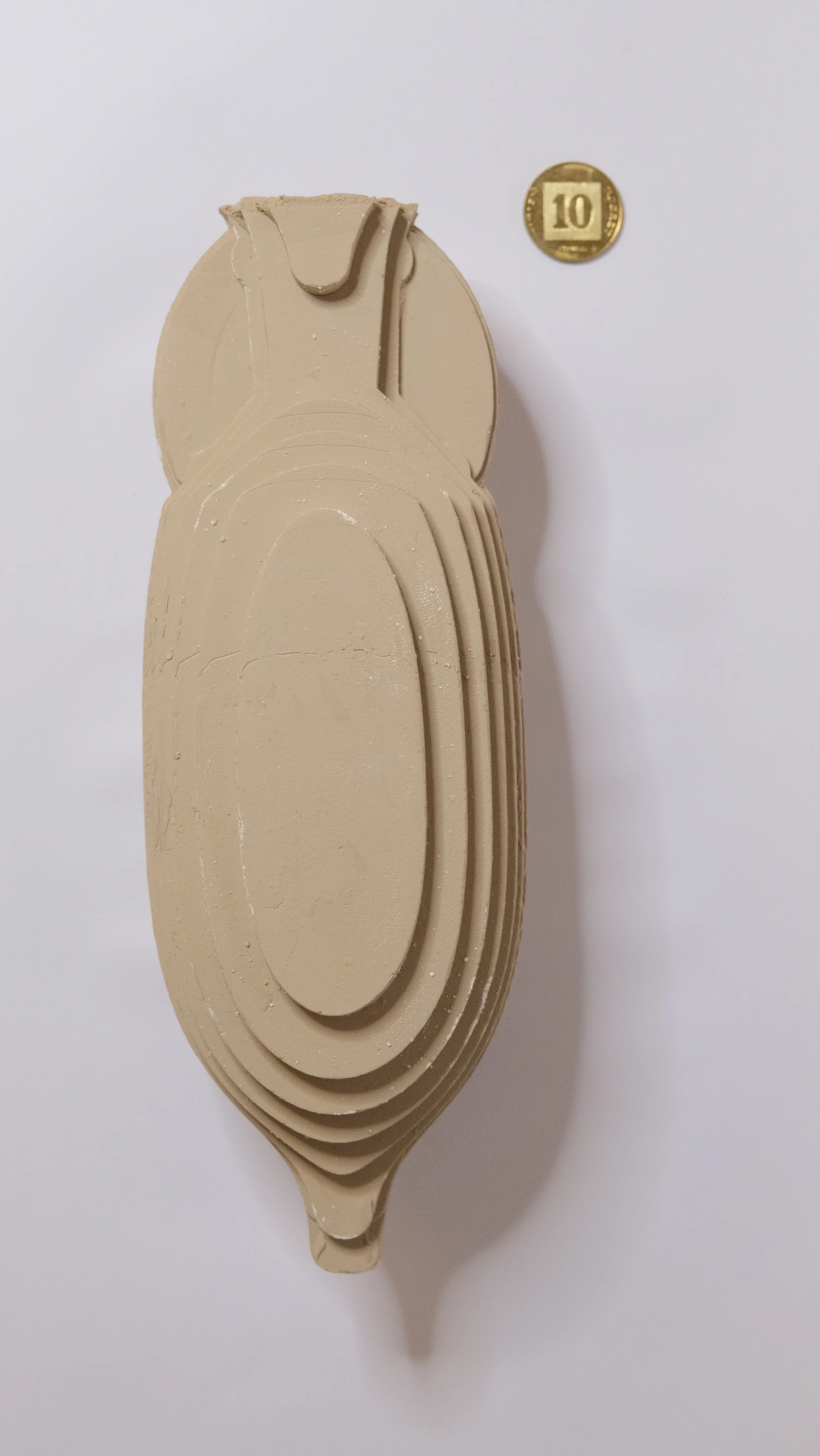
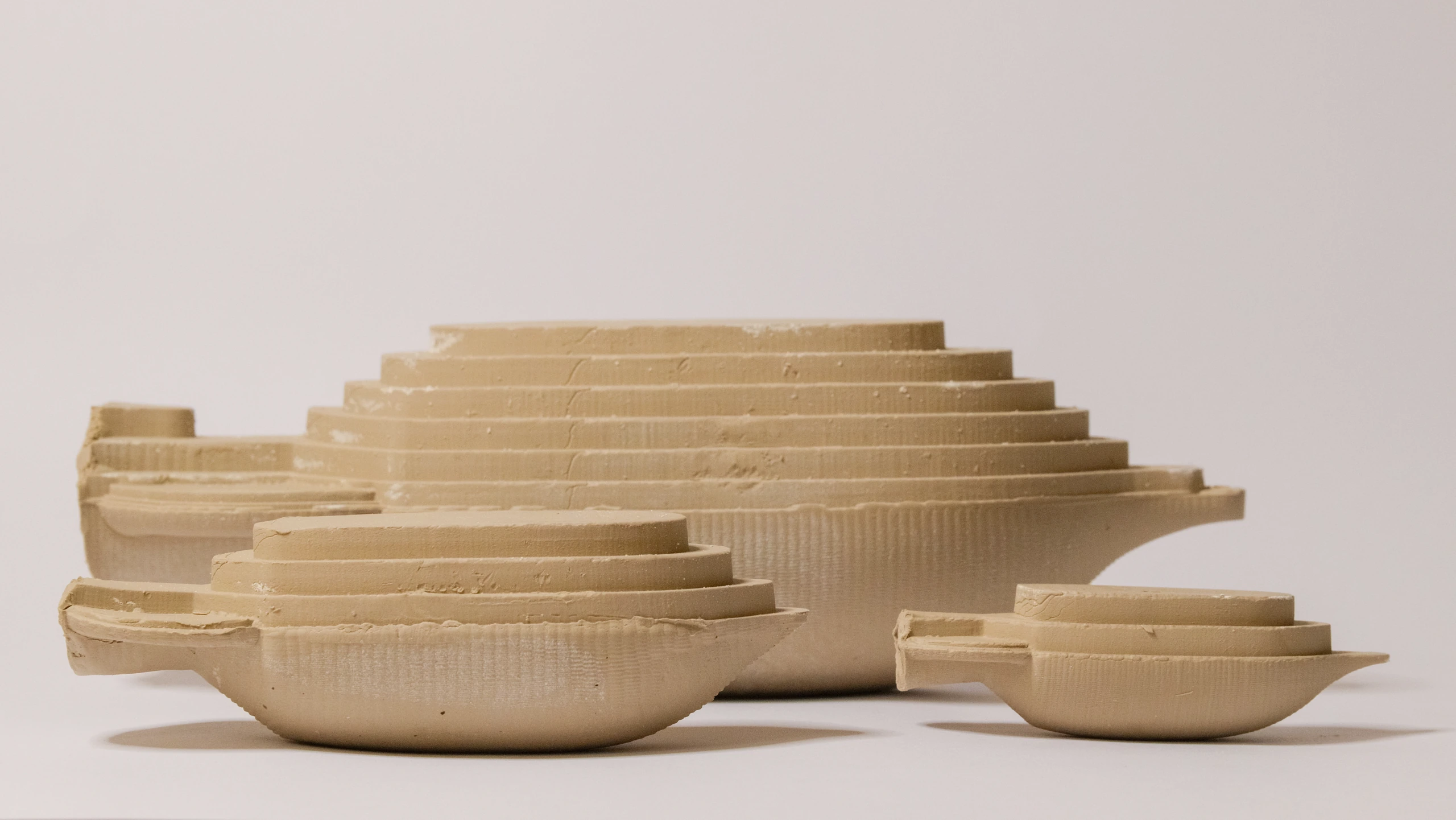
Exhibition-era prints record variations in contour, overhang, and surface.
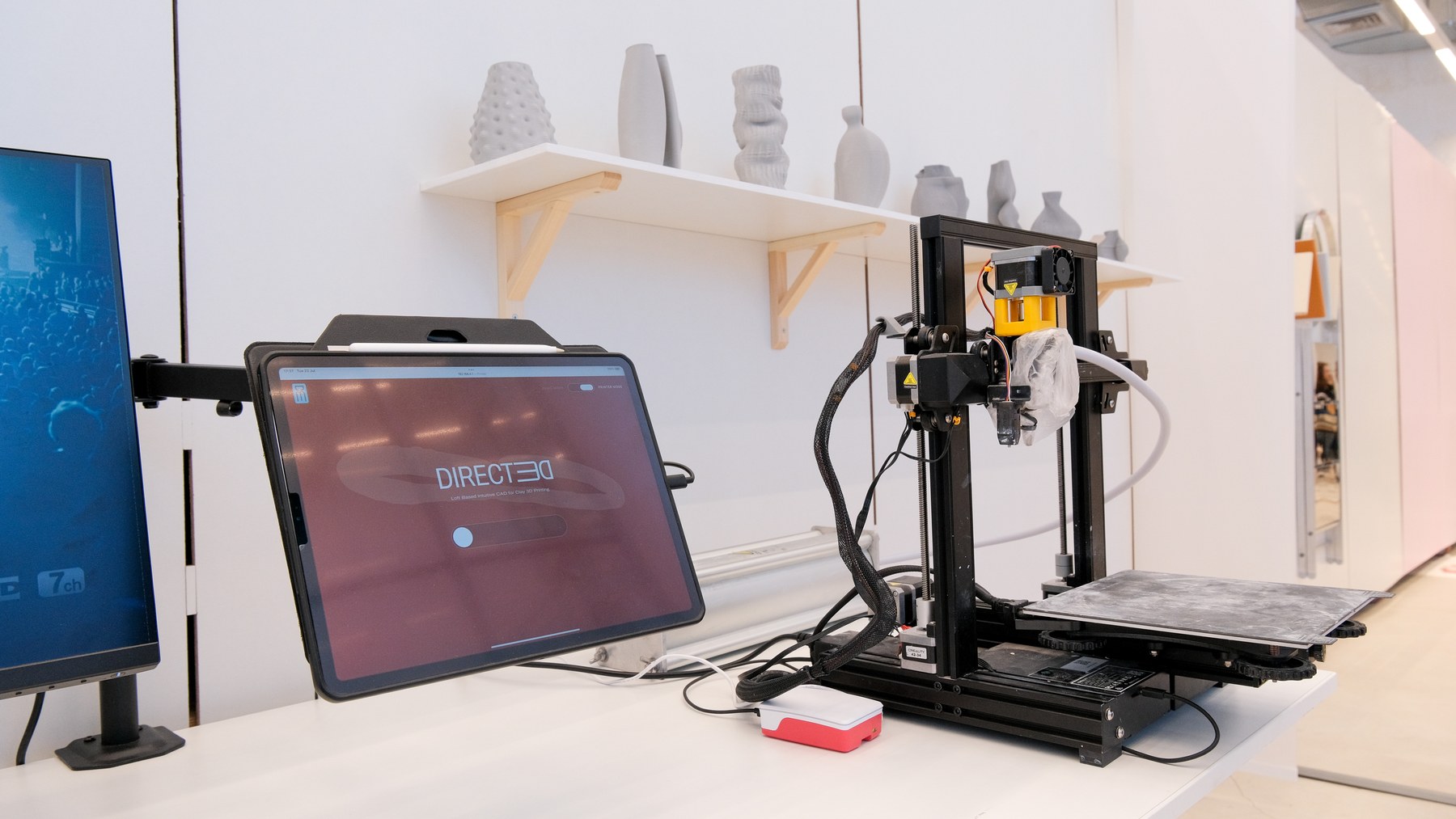
A working interface, printer, and the ceramic forms made with them.
One part of the ceramic process
Clay preparation, drying, firing, and glazing remain part of the potter’s practice. DIRECTED gives them another way to form clay, and an interface through which to understand, direct, and experiment with the process.